Brightness is measured in nits, or candelas per square meter, and it describes how much light the screen emits from each square meter of surface. A higher number means a brighter image, but brightness alone says nothing about whether the picture looks good, because readability depends on the light around the screen as much as the light coming from it.
A screen rated at 5000 nits in a dark room is painful to look at, while the same screen in direct sunlight can look washed out. This is why the useful specification is not a single brightness figure but a match between the screen and the environment in which it will be installed.
This guide explains how nits relate to ambient light, why contrast often matters more than raw brightness, how auto-brightness works, and how indoor and outdoor LED products differ in the brightness they offer and the power they consume.
It is written for buyers who have been told that brighter is always better and want to know when that is true, when it wastes money, and when it actually shortens the life of the screen.
Nits are also not directly comparable between products unless the measurement method is the same. A figure quoted at full white over the whole panel differs from one quoted on a small test patch, and a figure taken after calibration differs from one taken at the factory. Ask how the number was measured before using it to compare two suppliers.
The eye adapts to the brightest thing in view, so a screen has to outshine its background to read clearly. In a dim lobby, a few hundred nits is plenty. In a shaded shop window, roughly a thousand nits keeps text readable. In direct sunlight, only several thousand nits will compete.
The practical rule is to match the screen to the light level at the viewing position, not the light level at the screen. A shopper standing in the shade looking at a sunlit screen sees a different contrast than a shopper in the sun looking at the same screen, and the design should serve the majority sight line.
Color accuracy also depends on brightness. Pushing a panel well beyond the level its calibration was set for shifts the white point and can make colors look harsh or tinted. Buying extra nits for occasional use is fine only if the driver can be dimmed without color shift.
Finally, consider the time of day. A screen near a west-facing window faces hard sunlight for part of the afternoon, so the required brightness changes hour by hour. A fixed setting either blows out at noon or looks dull in the evening, which is why dimming control is a specification item rather than an accessory.
Location within the frame of view matters too. A screen surrounded by dark architecture needs less output than one set against a bright sky, because the eye compares the screen with its immediate neighbours. A site visit at the intended hour reveals more than any table of recommended figures.
Weather changes the calculation as well. An overcast day softens the contrast requirement, while a clear sky behind a facade screen raises it sharply, especially when the sun is low and the screen faces the light. Design for the worst realistic condition rather than the average one, and control it with dimming for the rest.
| Environment | Ambient Light | Recommended Brightness | Notes |
|---|---|---|---|
| Dim indoor lobby | Low | 300 - 800 nits | Dim to avoid glare |
| Bright office or store | Medium | 800 - 1500 nits | Balance with contrast |
| Shaded shop window | Medium-high | 1000 - 2000 nits | Watch reflections |
| Sunlit outdoor wall | High | 5000 - 8000 nits | High contrast needed |
| Direct daylight billboard | Very high | 8000 - 10000 nits | Auto-brightness advised |
Contrast ratio describes the difference between the brightest white and the deepest black, and it drives perceived punch more than peak brightness does. A panel with deep blacks at moderate brightness can look more vivid than a brighter panel with washed-out blacks, because the eye judges contrast rather than absolute output.
Reflectance is the quiet enemy of outdoor screens. If the front surface reflects a large share of sunlight, the reflected light lifts the black level and the image looks grey regardless of how many nits the panel emits. A darker surface and a proper mask design reduce reflection and preserve contrast.
Brightness also carries a cost in heat and power. Running a screen at high output raises the internal temperature, ages the power supplies faster, and draws more current, which can matter on a circuit that is already near its limit. Specifying more brightness than the environment needs pays a permanent price for no gain.
The balanced approach sets a target contrast for the environment, chooses a brightness that reaches it for most of the day, and uses dimming to follow the light. That keeps the image at its calibrated best instead of running flat out from morning to night.
Grayscale performance is part of the same story. A panel that reaches high peak brightness but crushes dark tones loses shadow detail, so an image can look bright and still feel flat. Deep black levels and smooth low-end gradients are what make a bright screen look rich rather than merely loud.
Viewing angle interacts with both. Some panels lose brightness quickly as the viewer moves to the side, so a screen that measures well head-on can look dim from the pavement at an angle. Where shoppers or drivers approach from the side, check the off-axis brightness, not only the centre figure.
| Product Line | Typical Brightness | Contrast | Refresh Rate | Environment |
|---|---|---|---|---|
| CV-PRO indoor COB | 800 - 2500 nits | 10000:1 | 3840 Hz+ | Indoor, retail, control room |
| X series rental | 800 - 1500 nits | High | 3840 Hz+ | Stage, events, indoor |
| D-PRO outdoor | 8000+ nits | High | 1920 Hz+ | Outdoor facade, billboard |
| Standard indoor SMD | 800 - 1200 nits | Moderate | 1920 Hz+ | Meeting rooms, signage |
| Outdoor standard | 5000 - 7000 nits | Moderate | 1920 Hz+ | Outdoor advertising |
Auto-brightness uses a light sensor to raise and lower output as the ambient light changes. It keeps the screen readable at noon and comfortable at night, and it cuts power consumption during the hours when full brightness is unnecessary. For a facade screen running eighteen hours a day, that saving is significant.
The sensor should be placed where it sees the same light as the screen, not in a shaded recess or a spot lit by the screen itself. A badly placed sensor either dims the screen in bright conditions or blinds viewers after dark, and both errors are common on installations that skip the placement check.
Power draw scales roughly with brightness and area. A large outdoor screen at full white can pull tens of kilowatts, which affects the breaker, the cable, and the electricity bill. Dimming at night reduces all three, and it also slows the ageing of the diodes and power supplies.
Eye comfort is the final consideration for indoor screens. Brightness that is appropriate for a window becomes harsh on a wall a meter from a desk, so indoor signage near people should be dimmable to a comfortable level and should avoid pure white backgrounds at high output.
A schedule and a sensor work best together. The sensor handles weather and changing daylight, while the schedule sets the trading hours and the overnight level. Combined, they keep the screen at the right output without a person adjusting it every day.
Commission the dimming curve rather than leaving the default. The relationship between ambient light and screen output should be tuned on site so that the transition feels smooth, not stepped, and so that the screen never dips below a level that still reads clearly to a passing viewer.
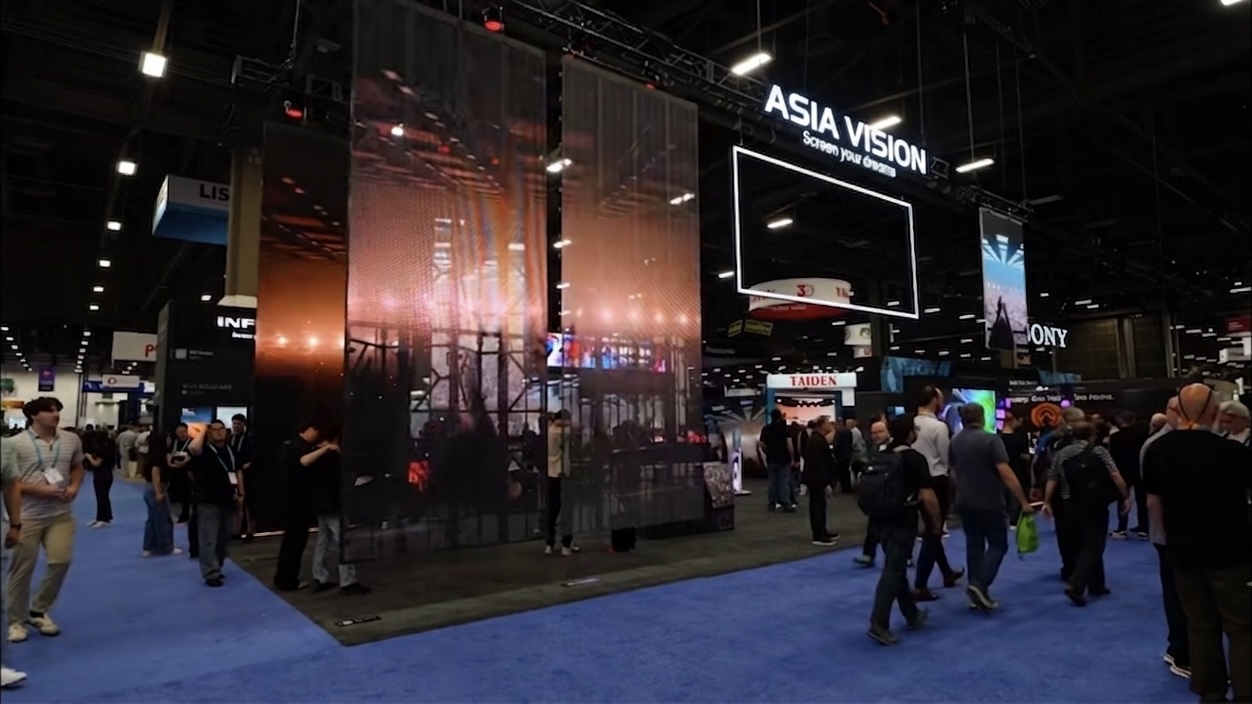
Asia Vision Technology builds LED displays with brightness matched to their environment. Indoor panels in the CV-PRO COB series run from 800 to 2500 nits with a 10000:1 contrast ratio and refresh above 3840 Hz, while the D-PRO outdoor range exceeds 8000 nits at IP65 with refresh above 1920 Hz, and both include the dimming control that keeps the image at its calibrated best.
Every screen carries CE, FCC, and RoHS certification, spans the pitch range P0.9 to P20, and is rated for 100,000 hours of life. Orders ship in fifteen to twenty working days with a three-year standard warranty.
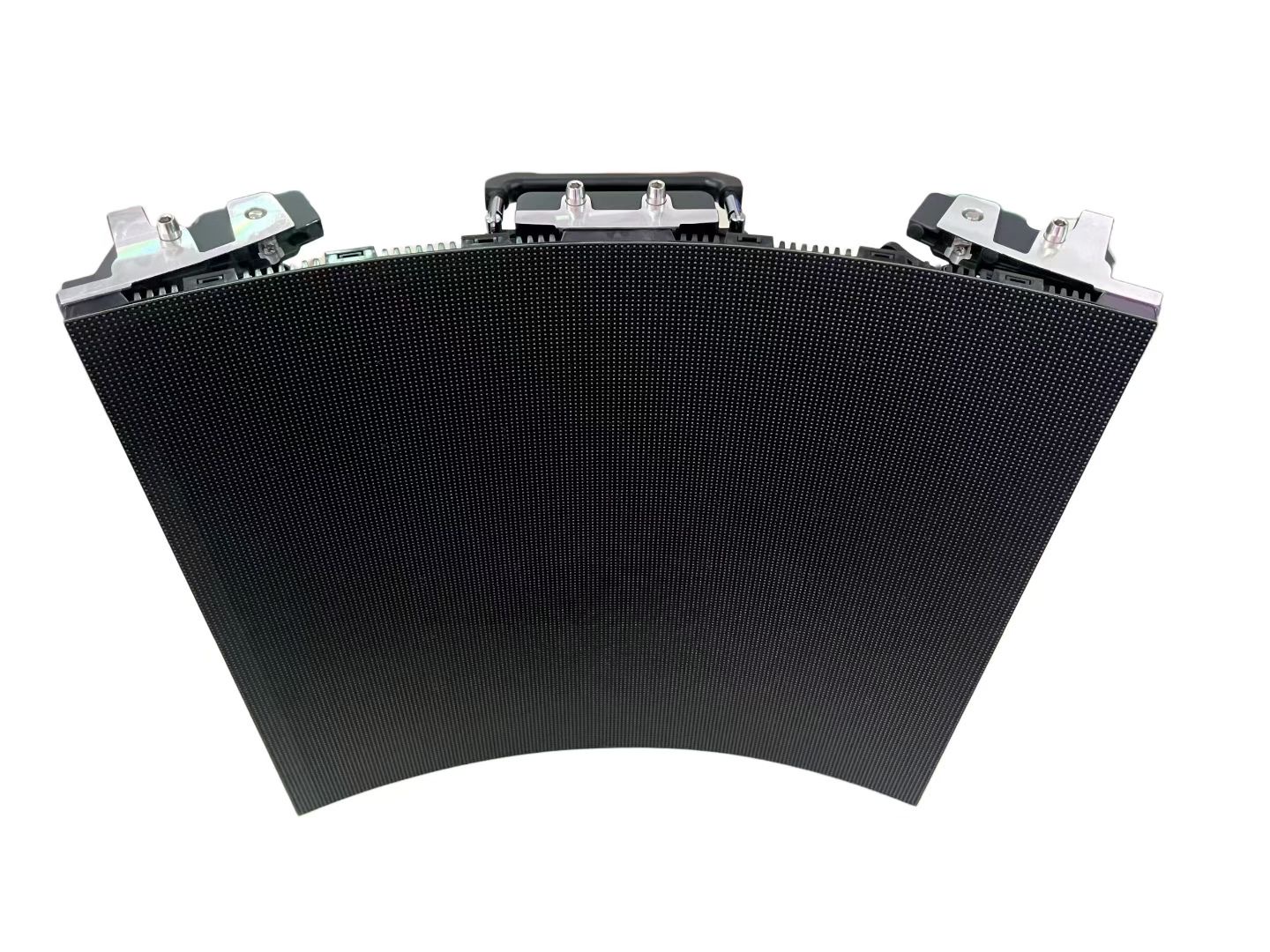
For this requirement our range covers it directly: the COB EF outdoor series (IP65, 3000 nits) and the D-PRO outdoor series (front maintenance).
Related reading: LED Display After-Sales Support Guide 2026
Related reading: LED Display for Art Galleries and Museums: 2026 Buyer Guide