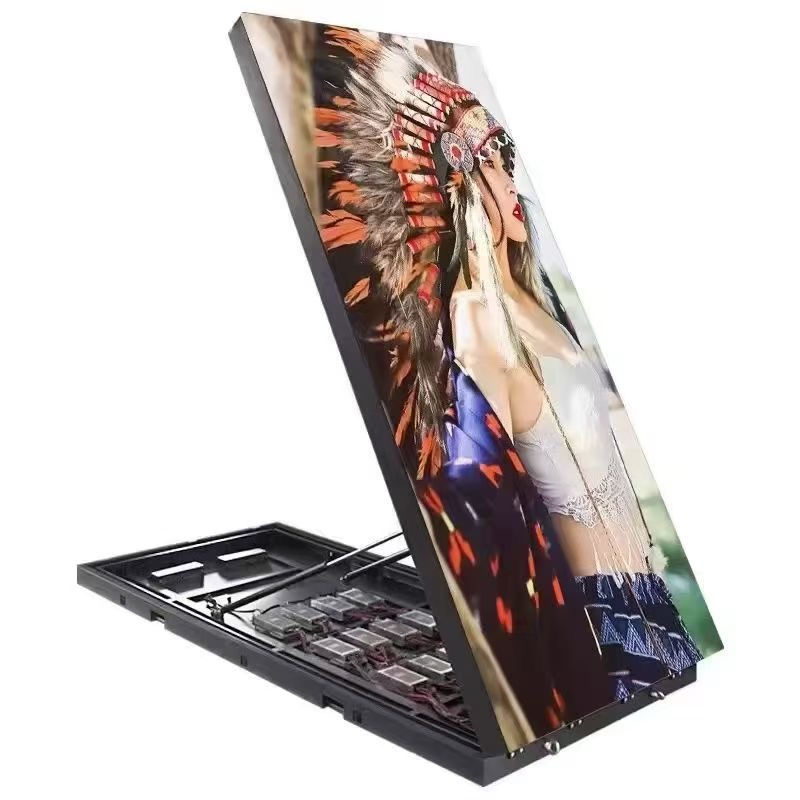
The way a gallery lights a work of art shapes how visitors read it. For decades that meant dimmable track lighting and, for moving image work, projection. LED displays have taken a growing share of that role because they hold brightness and colour far more stably than a projector whose lamp dims, whose colour shifts with the hour, and whose image washes out whenever a visitor walks through the beam.
A museum or art exhibition LED display also removes the blackout problem. Projection needs a dark room; an LED wall can run in a bright atrium, beside a window, or inside a mixed-use exhibition hall where daylight and screen coexist. That flexibility is why curators now specify LED for media rooms, entrance walls, and immersive installations rather than treating it as an advertising product.
The trade-off is that gallery audiences are far more demanding than shoppers. A viewer standing one metre from the surface will notice a dead pixel, a visible seam, or a colour cast that a passer-by on a street would never register. Specification for art has to be tighter, not looser, even though the screen may be smaller than a commercial billboard.
There is also a curatorial argument for LED. Because the image is emitted rather than reflected, the display behaves like a light box and can be treated as a lighting element in the room. Curators can match its white point to the gallery lighting, dim it for evening openings, and use it to wash a wall with moving colour without installing a single additional fixture. That dual role, screen and light source, is unique to the technology.
This guide covers what curators, exhibition designers, and AV integrators need to decide: which technology fits the room, how fine the pixel pitch must be at close viewing distance, how to control glare on a glossy surface, and how to keep the display sympathetic to the works around it.
Colour fidelity is the first specification a curator raises. LED panels reproduce colour by mixing red, green, and blue emitters, so the quality of the binning and the calibration process decides whether two adjacent cabinets look identical. Ask for a factory calibration report per cabinet and a delta-E target across the whole wall, not just at the centre.
High colour gamut matters for media art that was graded on a reference monitor. A display covering roughly 100 percent of DCI-P3 keeps skin tones, gradients, and archival footage close to the artist's intent. Where a work is monochrome, the challenge shifts to grayscale: look for 14-bit or higher processing so that dark scenes do not posterise into visible steps on a large surface.
Glare is the second issue and often the harder one. A polished LED surface reflects ceiling lights and windows, and those reflections sit on top of the image. Matte or anti-reflective coatings, a slight tilt, and a lower peak brightness combined with good black levels usually beat simply running the screen dim. In a room that must also serve as a lecture space, dimming to a calibrated low level preserves both the artwork and the audience's night vision.
Ambient light control works with the display, not against it. Indirect lighting, blinds on windows, and dark wall finishes let the screen operate at a gentle brightness while still holding contrast. The goal in a gallery is not maximum output but a believable, stable image that never fights the room around it.
Consider the colour of the light around the screen as well. Warm gallery lighting beside a display set to a cool white point makes both look wrong. Matching the screen's white point to the room's lighting temperature, and re-checking it after the lighting is installed, is a small step that curators notice immediately.
Finally, calibrate for the exhibition, not once for the venue. A show with a single monochrome video and a show with saturated colour photography may need different settings. A display with stored calibration profiles lets the technical team switch between them without a full recalibration each time a new exhibition opens.
| Technology | Best For | Weakness | Notes |
|---|---|---|---|
| Projection | Dark media rooms and large single images | Needs blackout; lamp ages and shifts colour | Lowest hardware cost, highest room cost |
| LED wall | Bright atria, media rooms, immersive rooms | Higher cost per square metre at fine pitch | Stable colour; cannot be washed out |
| LCD video wall | Information points and wayfinding | Visible bezel grid between tiles | Cheap but reads as a grid of screens |
| OLED panel | Small dark installations | Limited size; burn-in risk on static content | Excellent black level for small works |
| Transparent LED | Glass facades and vitrines | Lower brightness; see-through mesh pattern | Keeps sightlines through the screen |
Pixel pitch in a gallery is set by the closest viewer, not the average one. A visitor who leans in to inspect a brushstroke stands perhaps one metre away, and at that distance anything coarser than about P1.5 shows visible pixel structure. For a media room where people sit three to five metres back, P1.9 to P2.6 is usually comfortable and materially less expensive.
COB technology suits these close-viewing installations particularly well. Because the LEDs are encapsulated behind a protective layer rather than left as exposed lamps, a COB panel has a smoother surface, resists accidental contact and dust, and handles the near-black content that many video works rely on. For a gallery where people may point at the surface from thirty centimetres away, that protection matters.
Size should follow the work, not fill the wall. An art video shot in a 16:9 frame gains nothing from being stretched across an entire elevation; curators often prefer a screen that reads as a window into the image, with generous dark space around it. A modest wall also costs less to run and throws less light into the room.
Mounting is where gallery projects succeed or fail. The display must sit perfectly flush so that seams disappear, and the structure behind it has to be stiff enough that no cabinet drifts out of plane. Floor-standing frames with adjustable feet suit temporary exhibitions; recessed niches with service access suit permanent installations. In listed or heritage buildings, load limits and the ban on drilling often push the design toward a self-supporting plinth that touches nothing original.
Service access decides the long-term cost. Front-serviceable cabinets let a technician replace a module from the gallery floor without disturbing the wall or the surrounding exhibits. Rear access demands a plant room behind the display, which is rarely available in an exhibition hall. For permanent art spaces, front service is the safer default and worth insisting on at specification stage.
| Closest Viewer | Suggested Pitch | Typical Installation | Notes |
|---|---|---|---|
| 0.5 - 1.5 m | P0.9 - P1.5 | Media room, close-inspection work | COB panels resist touch and dust |
| 1.5 - 3 m | P1.5 - P1.9 | Gallery media wall, entrance feature | Sweet spot for fine art and film |
| 3 - 6 m | P1.9 - P2.6 | Exhibition hall, auditorium screen | Balances cost and sharpness |
| 6 - 12 m | P2.6 - P4 | Large immersive room | Motion reads clearly; text stays legible |
| 12 m + | P4 - P6 | Atrium and lobby installation | Suitable for ambient and branded content |
The screen is only as good as the file it plays. Galleries usually run a small number of long-form works on a loop, so the playback system needs frame-accurate sync, gapless looping, and a scheduler that can start and stop with the room's opening hours. A media server with a locked playlist avoids the accidental desktop appearing on a gallery wall.
File preparation deserves time. Master files are often graded for cinema or broadcast and look wrong on a bright LED wall; a separate grade for the display's actual brightness and gamut is worth commissioning. Native resolution should match the wall so that the server is not scaling on the fly, which softens fine detail and consumes processing headroom that a complex piece may need.
Conservation is a real constraint when a display shares a room with light-sensitive works. LED panels emit heat from the rear and light from the front, and both can affect paper, textiles, and pigments over long exhibitions. Position the screen away from vulnerable pieces, keep its brightness moderate, and allow the room's HVAC to handle the extra load. Where the display is the only light source in a dark room, note that its own glow becomes the ambient light for everything nearby.
Finally, plan for quiet hours. A wall left on a bright static image for hours risks uneven aging and wastes energy. A scheduler that powers down or dims the screen outside opening times protects both the hardware and the room, and it reduces the cumulative light dose on nearby works.
Seasonal change is worth a routine. As a show runs for months, a short monthly check of a solid grey field and a white field will reveal any cabinet that has drifted or dimmed before a visitor notices. A five-minute inspection is cheaper than a mid-exhibition emergency service call.
Asia Vision Technology manufactures fine-pitch LED displays with per-cabinet calibration, COB options for close-viewing art installations, and support for DCI-P3 colour coverage. Our indoor CV-PRO line runs from 800 to 2500 nits with refresh above 3840 Hz, so cameras and the naked eye both see a stable image.
Every display carries CE, FCC, and RoHS certification and ships in 15 to 20 working days with a 3-year warranty. We work directly with exhibition designers and AV integrators, sharing cabinet drawings, load data, and calibration reports so the display fits the room rather than the room having to fit the display.
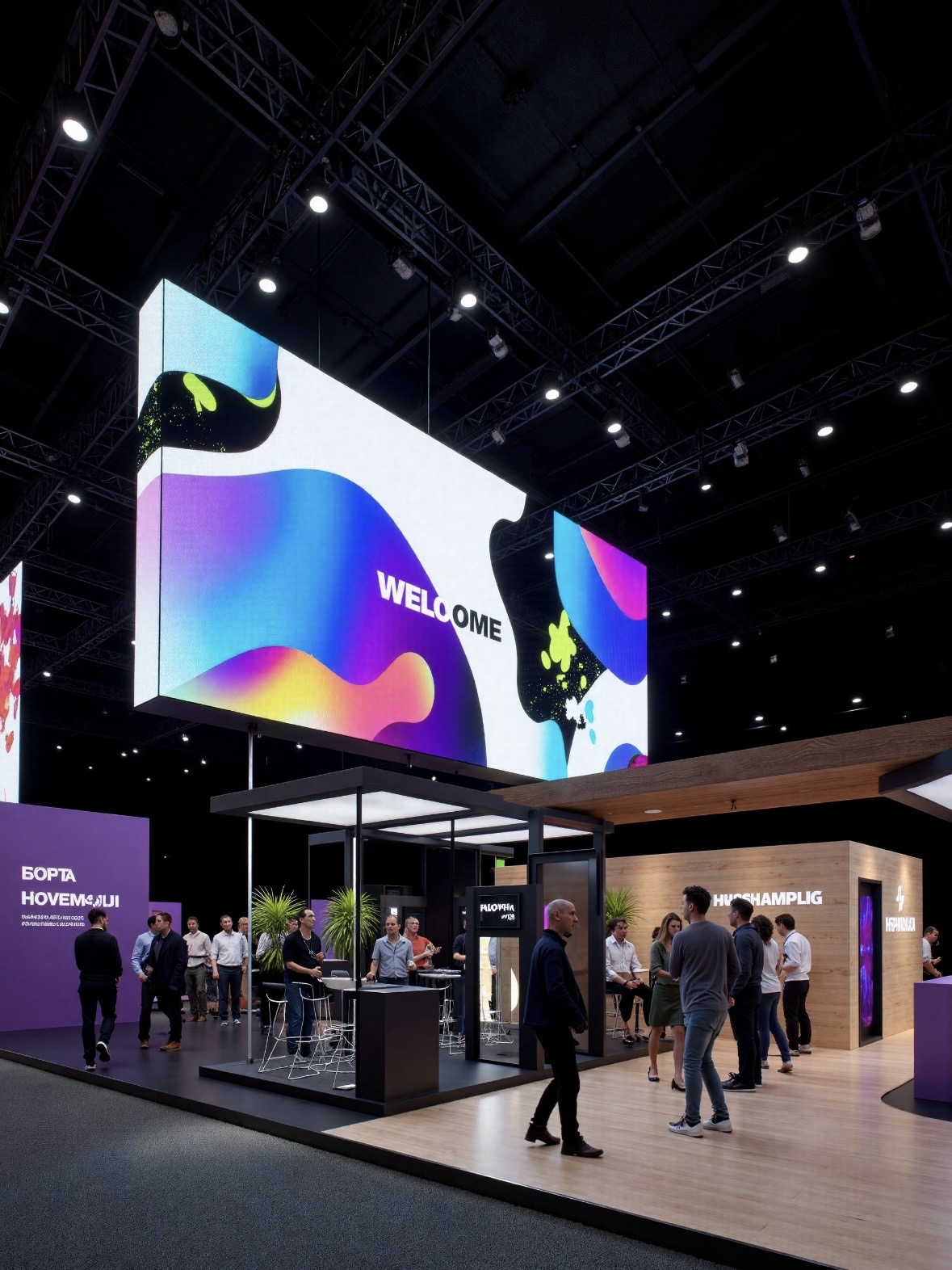
For this requirement our range covers it directly: the RH-PRO fine-pitch COB (flagship, full redundancy) and the COB CV-PRO series (Ultra-HD fine pitch).