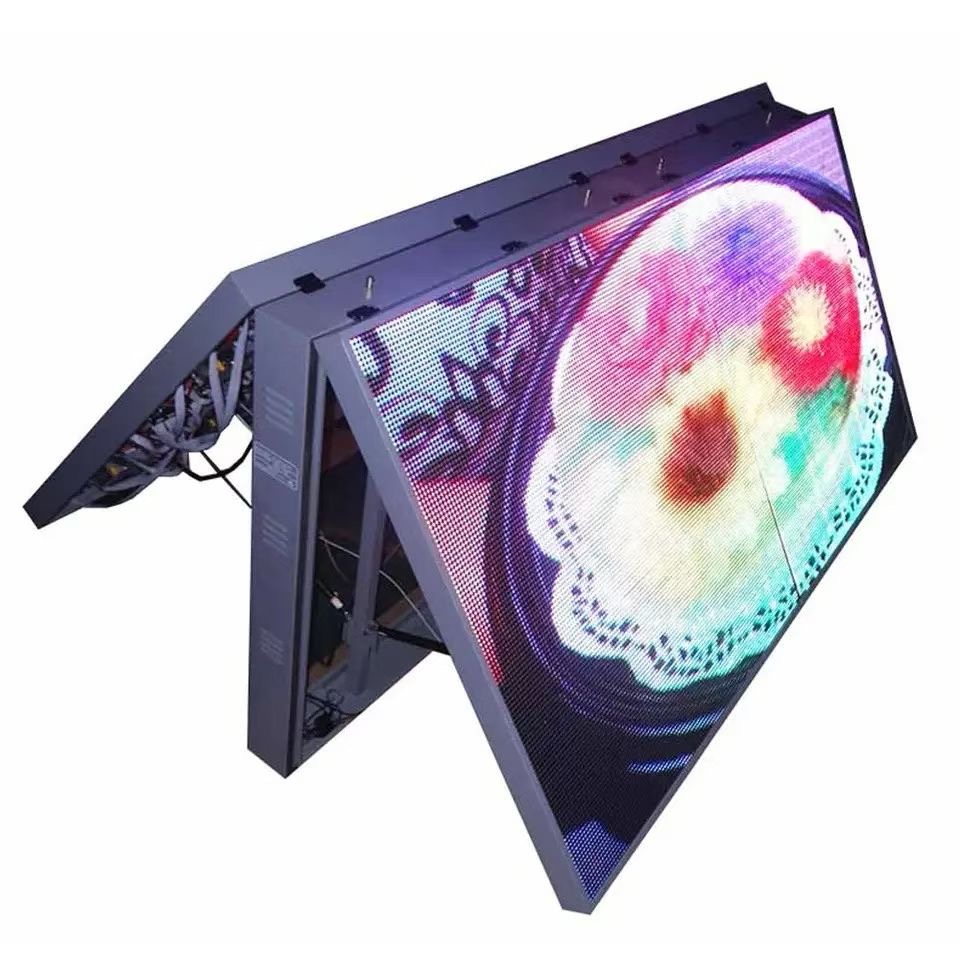
An LED display is a long-life product, but it is not a maintenance-free one. The diodes and drivers are rated for around 100,000 hours, yet the parts around them, including power supplies, fans, cables, and connectors, age faster and fail sooner. Planned maintenance addresses those parts before they take the screen dark.
A screen that is serviced on a schedule also stays visually consistent. Brightness drifts slowly across modules, and a module replaced without recalibration looks different from its neighbours for years. Regular inspection catches that drift early, when a calibration pass can correct it without replacing hardware.
For a business that earns revenue from the display, downtime has a direct cost. A dark screen at a store entrance or on a building facade is worse than no screen at all, because it advertises a fault to every passer-by. Maintenance is best understood as insurance against that lost visibility.
Downtime also damages trust in the display. Shoppers, commuters, and tenants quickly learn to ignore a screen that is often blank, and once that habit forms, the venue loses the attention it paid to win. Consistent operation is what makes a screen feel like part of the building rather than a temporary experiment.
This guide sets out a practical maintenance program: the routine every operator can follow, the specialist tasks that need a technician, the faults that signal a real problem, and the spare parts worth holding in stock at all times.
Weekly checks are visual and quick. Look for dead pixels, a module that has gone dark or bright, flicker, and any obvious physical damage. Confirm that the screen starts and stops on schedule and that brightness matches the time of day, since a failed brightness schedule is often the first sign of a sensor fault.
Monthly work goes a little deeper. Clean the front surface with a soft dry cloth or a microfibre pad, never a wet or abrasive one, and check that ventilation openings are free of dust. Look at the rear of the cabinets if they are accessible, and confirm that fans turn freely and that no power supply is unusually hot to the touch.
Quarterly service adds electrical checks. Measure the input voltage at the distribution board and at the far end of the cabinet chain, and compare the two. A large drop points to an undersized cable or a loose terminal, both of which generate heat and shorten component life. Re-tighten terminals to the torque specified in the manual.
The annual service is the deep one. A technician cleans inside the cabinets, replaces any fan with an out-of-spec bearing, checks the receiving cards and ribbon cables, and runs a full color calibration. It is also the moment to update the controller firmware and to back up the configuration file so that it can be restored after any future repair.
Keep a written log of every inspection and repair. The log turns a scattered set of visits into a history, and the history shows patterns that a single visit cannot. A fan that is replaced twice in one cabinet, for example, points to a thermal problem rather than to bad fans, and the log is what reveals the real cause.
| Interval | Task | Who | Tools |
|---|---|---|---|
| Weekly | Visual check for dead pixels and dark modules | Operator | Eyes, phone camera |
| Weekly | Confirm power and brightness schedule | Operator | Controller menu |
| Monthly | Clean front surface and check vents | Operator | Microfibre, soft brush |
| Quarterly | Measure voltage and tighten terminals | Technician | Multimeter, torque driver |
| Annual | Internal clean, fan replacement, calibration | Technician | Calibration rig, spares |
Not every fault means a hardware failure. A dead module is more often a loose ribbon cable or a failed power supply than a failed LED panel. Start with the cheapest cause and work up: reseat the cable, swap the receiving card, then replace the module. This order saves parts and time on every service call.
A single dead pixel is usually ignored until a cluster appears. If a group of pixels fails together, the module or its driver is the likely cause. If pixels fail in a line, suspect the ribbon cable or the connector at its end. If a whole cabinet is dark, check its power supply first, then its data input.
Flicker and color shift are data-side symptoms. Flicker that appears on camera but not to the eye usually means the refresh rate is set too low for the content. Color shift across a cabinet points to a receiving card that is not loading its calibration, or to a firmware version that differs from its neighbours.
Power-side symptoms are usually heat. A power supply that whines, runs hot, or trips the breaker is failing and should be replaced, not reset. If several supplies fail in the same cabinet, check the load balance and the incoming voltage, because a wiring fault at the cabinet level will keep destroying replacements.
Heat is the common thread behind most premature failures. Extra operating temperature shortens the life of a power supply, so airflow, dust control, and correct load sharing do more for reliability than any single component upgrade. A cabinet that runs cool is a cabinet that lasts.
Humidity is the second thread. Moisture reaching a connector corrodes the contact and raises resistance, which produces heat and eventually an intermittent fault that is hard to trace. Sealed cabinets, drainage paths for condensation, and conformal coating on driver boards all address the same problem from different angles.
| Symptom | Likely Cause | First Check | Fix |
|---|---|---|---|
| Single dead pixel | Pixel wear or driver | Module location | Replace module or accept |
| Line of dead pixels | Ribbon cable or connector | Reseat ribbon cable | Replace cable |
| Whole cabinet dark | Power supply or data input | Measure supply output | Swap supply or card |
| Flicker on camera | Refresh rate too low | Controller refresh setting | Raise refresh rate |
| Color shift on one cabinet | Calibration not loaded | Receiving card config | Reload calibration |
Keep a small stock of the parts that fail most often: power supplies, fans, receiving cards, ribbon cables, and at least one module of each type. A spare module in the store turns a two-week wait for shipping into a one-hour repair, and it protects the client from a long dark period on a revenue-earning screen.
Store spares in a dry, dust-free place at room temperature. LED modules are sensitive to moisture, and a module stored in a damp warehouse can fail shortly after installation. Keep them in their original anti-static packaging and rotate the stock so that the oldest parts are used first.
Cleaning is gentler than many people expect. Use a soft dry microfibre cloth on the front surface, and never press hard on the LEDs. For an outdoor screen exposed to airborne dirt, a soft brush removes grit before the cloth touches the surface, because grit dragged across the face scratches the mask permanently.
Environment matters as much as parts. High humidity accelerates corrosion on connectors, so coastal installations benefit from conformal coating and stainless fasteners. High ambient temperature shortens the life of power supplies, so good airflow through the rear plenum and a clean filter extend the service life of the whole screen.
A service contract is worth considering for any screen that earns revenue. A scheduled visit fixes small faults before they become visible to the public, and it keeps a qualified technician familiar with the installation. Familiarity shortens every future call, because the engineer already knows the cabinet map and the controller layout.
Plan the end of life as well as the start. Modules and drivers are replaceable for many years, but a controller platform eventually becomes obsolete, and a screen running on unsupported software is difficult to repair. Ask the manufacturer about the support period for the control system when the screen is purchased, not when the first fault appears.
Asia Vision Technology builds LED displays with serviceability designed in. The X series rental cabinets use front and rear maintenance access so that a module can be reached from either side, and the CV-PRO indoor series is engineered for stable brightness over long operating hours.
All products carry CE, FCC, and RoHS certification, with indoor brightness from 800 to 2500 nits and outdoor models above 8000 nits in the D-PRO range. The diodes are rated for 100,000 hours, orders ship in fifteen to twenty working days, and every screen carries a three-year standard warranty with spare parts available throughout its service life.
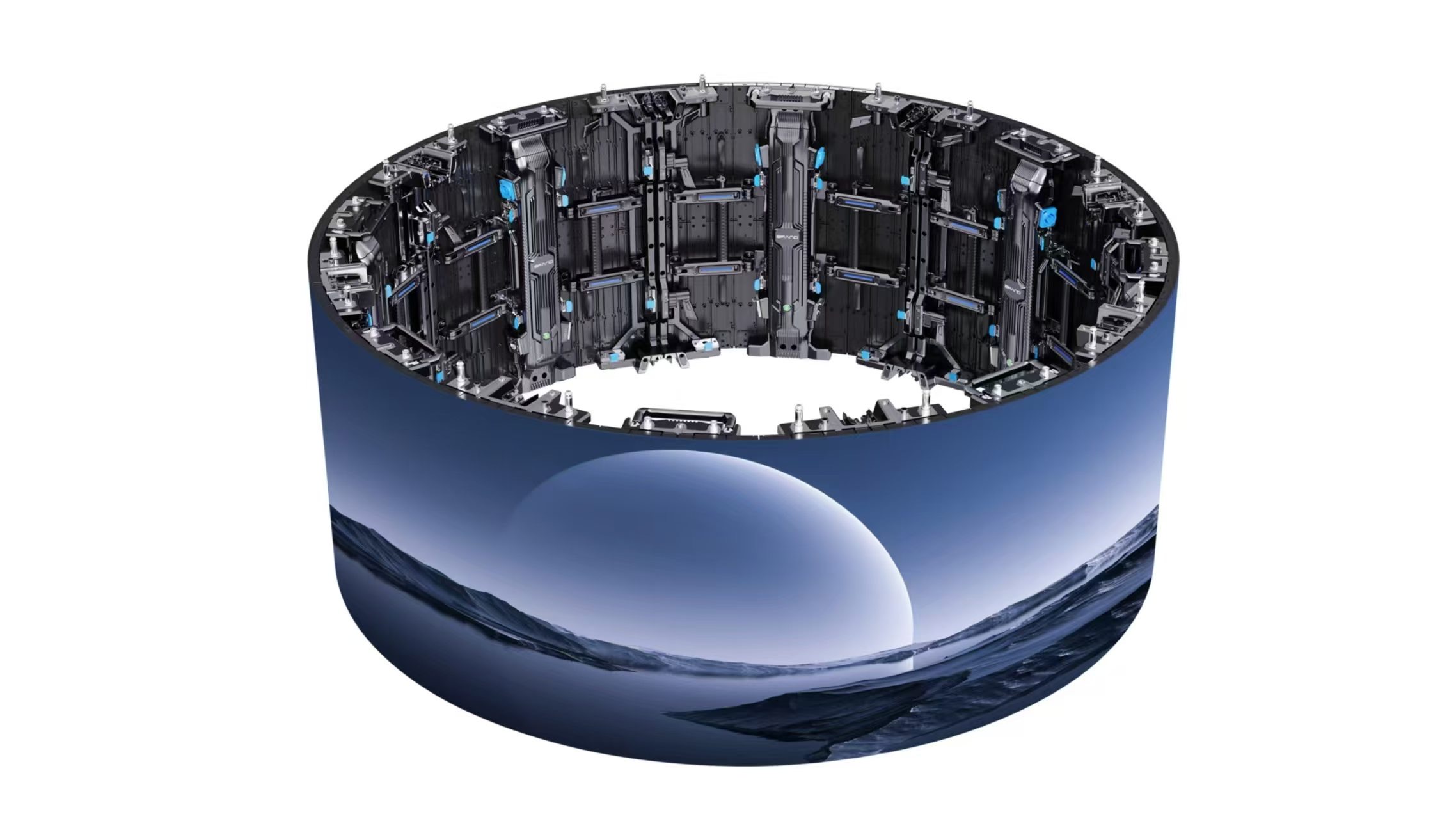
For this requirement our range covers it directly: the COB EF outdoor series (IP65, 3000 nits) and the D-PRO outdoor series (front maintenance).
Related reading: All-in-One LED Conference Display: 2026 Buyer Guide
Related reading: LED Display Software License Guide for Buyers in 2026