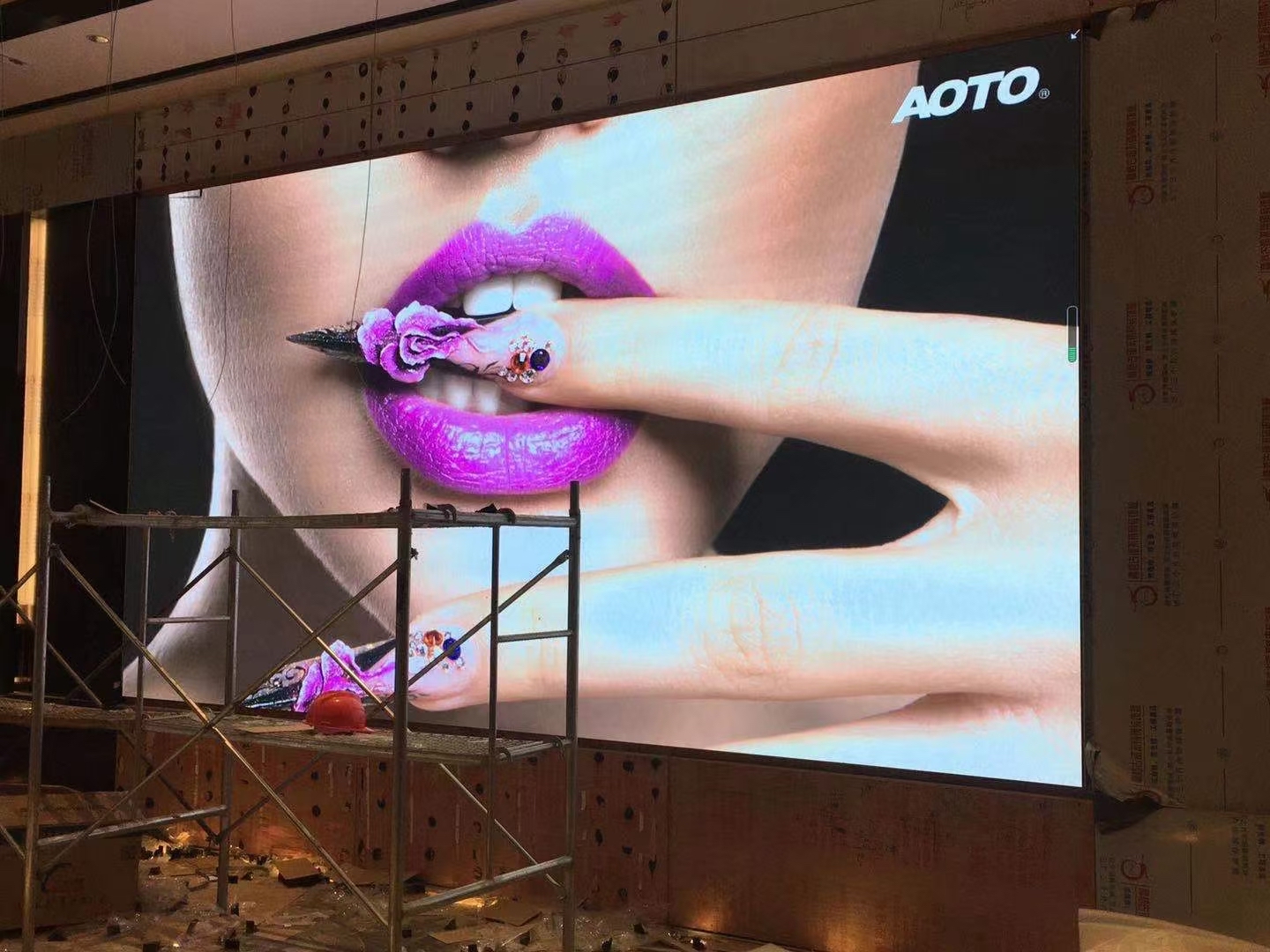
An all-in-one conference LED display packages the panel, the driver electronics, the video processor, and often a control module into a single pre-built unit that arrives ready to hang. The alternative is a conventional LED wall that a systems integrator assembles from cabinets, a separate sending card, and a media processor. The all-in-one format trades some flexibility for speed: it fits a standard meeting room wall, plugs into one power feed, and behaves like the display it replaces.
The reason meeting rooms have gravitated to LED is the seam problem. A traditional LCD video wall shows a grid of bezels between tiles, which is tolerable in a control room and distracting in a boardroom where a single chart spans the wall. An LED panel is bezel-free, so a spreadsheet, a video call grid, or a design review renders as one continuous image that no seam interrupts.
The second driver is brightness. A boardroom with a window wall is exactly the room where a projector fails and an LCD panel struggles. Indoor LED runs from 800 to 2500 nits, so the content stays readable in daylight without the team closing the blinds and dimming the room for every meeting.
Finally, the format has become genuinely easy to deploy. Units arrive calibrated and pre-assembled, hang on a bracket like a large television, and run from a single feed. That simplicity is what lets a facilities team install a display without a specialist AV crew, which matters when a company is fitting out dozens of rooms at once.
This guide covers how to size the screen, what pixel pitch the room needs, how casting and control should work, and what to check before a unit is ordered.
Screen size in a meeting room is driven by the furthest viewer and the smallest text they must read. A common rule for presentation content is that the diagonal should be roughly one sixth of the distance from the screen to the back row. In a room where the last seat is nine metres away, that points to about a 150-inch display; the same content on 110 inches forces the back row to squint.
Height matters as much as diagonal. The bottom edge should sit high enough that people seated at the table can see the whole screen over the heads of those in front. About 1.2 metres from the floor to the bottom edge works for most seated rooms, and a little higher for rooms with tiered or standing audiences.
Resolution, not just size, sets legibility. A 4K canvas spread across a 150-inch wall is comfortable for slides, but the same 4K across 220 inches makes small fonts soft at the back. Where the room will show detailed dashboards or engineering drawings, step up to a finer pitch or keep the diagonal in check rather than assuming more inches always help.
Aspect ratio is the last sizing decision. A 16:9 canvas matches laptops, cameras, and conferencing platforms and needs no letterboxing. Ultra-wide 21:9 canvases suit dual-content meetings where a video call and a shared document sit side by side, but they awkwardly pillarbox ordinary slides. Match the ratio to how the room actually works, not to what looks impressive in a brochure.
Do not forget the wall behind. A large display on a bright white wall with no acoustic treatment makes a hybrid meeting echo. Where the room is being refitted anyway, a darker finish behind the screen improves both contrast and the far-end audio experience.
| Room Type | Seats | Diagonal | Resolution | Notes |
|---|---|---|---|---|
| Huddle room | 4 - 6 | 110 - 138 inch | 1080p / 4K | One cable or wireless cast is enough |
| Small meeting room | 6 - 10 | 138 - 165 inch | 4K | Best-selling size for hybrid meetings |
| Boardroom | 10 - 16 | 165 - 200 inch | 4K | Dual content and far-end video |
| Training room | 16 - 30 | 200 - 254 inch | 4K | Tiered seating needs a higher mount |
| Multi-purpose hall | 30 + | 254 inch + | 4K / 8K canvas | Combine with audio and lighting control |
An all-in-one display in 2026 is expected to behave like a network appliance. Wireless casting from laptops and phones removes the cable scramble at the start of a meeting, while a wired HDMI or USB-C input remains the reliable fallback for high-frame-rate content. Support for both, and a simple source-switch menu, matters more than any single protocol.
Bring-your-own-meeting platforms are the norm. The display should present itself as a standard screen to Zoom Rooms, Teams Rooms, and browser-based calls so that whichever platform the client standardised on, the screen is not the bottleneck. Where the room uses a dedicated compute module, keep it accessible so it can be upgraded without replacing the panel.
Audio integration is easy to overlook. Meeting rooms need speakers that fill the room and a microphone array that reaches every seat, and both should be planned with the display's mounting so cables stay hidden. A display that looks clean but trails a bundle of audio cables across the floor undermines the whole installation.
Control should be simple enough for a visitor to use. One power button, one source menu, and a clearly labelled cast option beat a touch panel with dozens of nested pages. Where the room sits on a building management system, expose basic on, off, and input selection so facilities staff can schedule the screen without training.
Consider the startup experience as a feature. A display that wakes on signal, selects the right input automatically, and returns to standby after an idle period saves energy and removes a support call. Those small behaviours are what make a room feel reliable to the people who use it every day.
| Factor | All-in-One LED | LCD Video Wall | Projector |
|---|---|---|---|
| Bezel | None; seamless image | Visible grid between tiles | None, but washout risk |
| Brightness | 800 - 2500 nits indoor | 300 - 700 nits | Depends on ambient light |
| Service life | About 100,000 hours | About 50,000 hours | Lamp or laser replacement |
| Ambient light | Works in lit rooms | Works in lit rooms | Needs dimming for best result |
| Best fit | Boardrooms and hybrid rooms | Control and monitoring rooms | Dark training and cinema rooms |
Meeting room walls are rarely purpose-built. A display may have to hang on drywall, sit inside a joinery recess, or stand on a mobile cart that can be wheeled between rooms. The all-in-one format helps because the unit arrives as one rigid assembly with known weight and centre of gravity, so the mounting design is straightforward compared with assembling a wall on site.
Power is usually the limiting factor in an existing room. A single circuit often serves the whole room, and adding a large display plus a compute module and audio can trip it. Check the circuit before the screen is ordered, and where the load is tight, choose a display with efficient drivers or add a dedicated feed during the fit-out.
Service access is the quiet cost saver. Front-serviceable modules let a failed panel be swapped from the room side without removing the wall or closing the space. For a boardroom where downtime is visible to executives, keep a small stock of spare modules on site so a repair is measured in minutes rather than days.
Finally, consider acoustics and cable management together. Recessed power and signal outlets, a tidy floor box, and a wall cavity deep enough for the connectors keep the room presentable. Retrofitting cable management after the display is hung means dismantling the mount, which is exactly the cost the all-in-one format was meant to avoid.
Commissioning should include a full-white and full-grey test with the room lights at their normal meeting setting. That check reveals a dim module or a colour shift while the installer is still on site, rather than a week later when the room is in constant use and every fix has to be scheduled around meetings.
Asia Vision Technology builds indoor LED displays for meeting and conference spaces on the CV-PRO platform, with brightness from 800 to 2500 nits, refresh above 3840 Hz, and COB options that resist the knocks a shared room inevitably delivers. Panels are calibrated to a delta-E target so spreadsheets and video calls look consistent edge to edge.
Our displays carry CE, FCC, and RoHS certification and ship in 15 to 20 working days with a 3-year warranty. We supply cabinet drawings, weights, and power figures up front so your AV integrator can plan mounting, circuits, and cable routes before the room is touched.
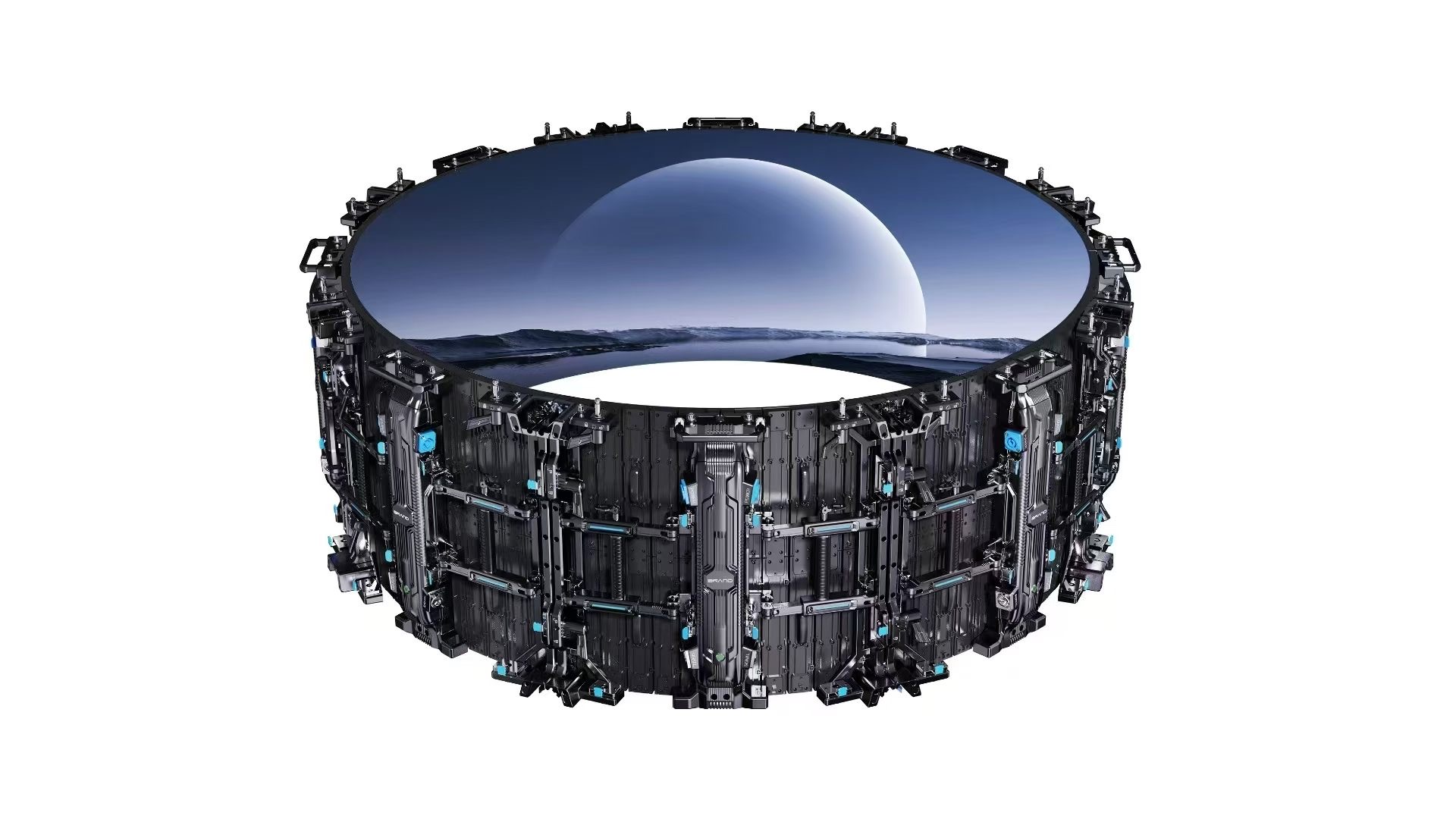
For this requirement our range covers it directly: the RH-PRO fine-pitch COB (flagship, full redundancy) and the COB CV-PRO series (Ultra-HD fine pitch).