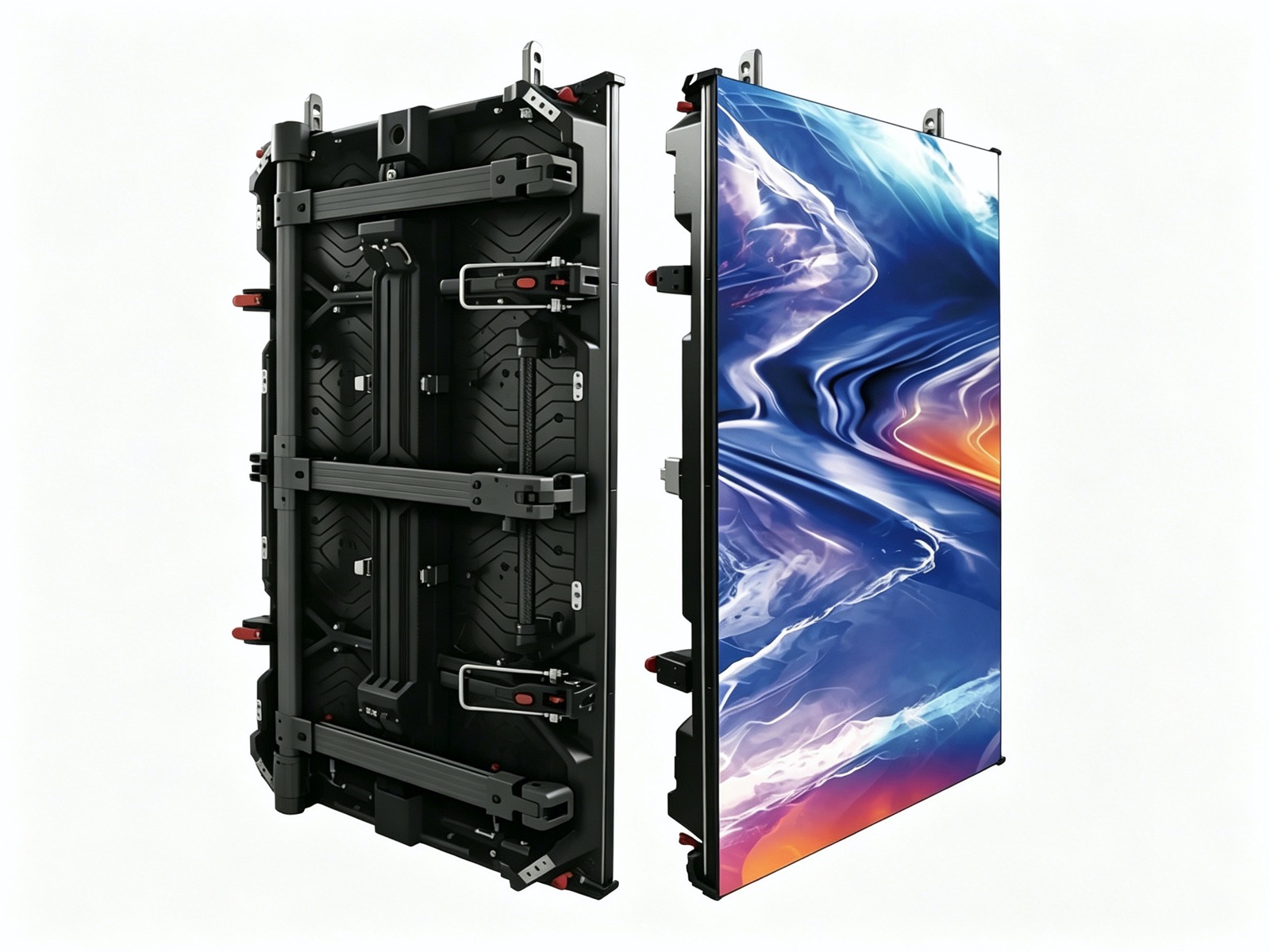
A LED poster terminal is a freestanding digital poster: a tall, narrow display on a slim stand, usually between 1.8 and 2.5 meters high, that shows video and graphics where a printed poster would once have hung. It is the closest thing in the LED world to a plug-and-play product. It arrives assembled, needs a normal power outlet, and starts showing content the same day.
The format exists because fixed installation projects are slow and expensive while retail and event marketing move fast. A poster terminal can be re-sited whenever the store layout changes, moved to the front of a shop for a promotion, or used at a trade show and then brought back to the showroom. That flexibility, not raw performance, is what buyers are actually paying for.
Poster terminals also solve a common retail problem: a wall screen is fixed, but shoppers walk past it quickly and often miss it. A freestanding unit at eye level, placed where traffic slows, captures attention in a way a large distant wall cannot. This is why the format spread from high-street retail into showrooms, lobbies, museums, and exhibitions.
This guide explains how poster terminals are specified, where they work best, how brightness and pixel pitch are chosen, and how to manage content across a fleet of units rather than one screen.
The key distinction to hold on to is between a poster terminal and a video wall. The terminal is a self-contained, mobile marketing appliance; the video wall is a fixed architectural element. Deciding which one a project needs is the first and most important choice.
Brightness is the first specification to get right because it is determined by where the unit will stand, not by the screen size. An indoor lobby or a store interior with controlled lighting is comfortable at 800 to 1200 nits, which keeps power and heat low and colors rich. A unit placed in a shop window facing daylight, or in a bright atrium, needs far more output, and if the screen must be read against direct sun, only a high-brightness configuration will hold up.
Pixel pitch on a poster terminal is finer than on a big wall because the viewer stands close, often within one or two meters. P1.5 to P2.5 is typical for indoor units, giving crisp text and clean product imagery at short range. A pitch chosen for a two-meter viewing distance looks blocky when someone steps closer to read a price, so specifying slightly finer than the nominal need is usually the safer choice.
Form factor decides how the unit fits a space. The classic poster ratio is tall and narrow, roughly a 1:2 portrait panel, which mirrors a printed poster and slots into the footprint of a display stand. Some units are single-sided; others are double-sided, showing content in both directions, which is valuable in an aisle or a corridor where shoppers approach from either side.
Cabinet depth and stand design matter more than buyers expect. A slim unit looks modern and takes little floor space, but the pedestal must be heavy and wide enough that the screen cannot be tipped by a child or a careless trolley. Base weight, footprint, and any anti-tip provision should be confirmed in the specification, especially for public venues.
Control and connectivity are the last piece. Most terminals include an internal media player or accept a small plug-in player, and content is loaded by USB or over a network. For single units, USB is enough; for a fleet, network management is what makes the format practical at scale.
| Unit Type | Typical Pitch | Brightness | Best Placement |
|---|---|---|---|
| Standard indoor single-sided | P1.8 - P2.5 | 800 - 1200 nits | Store aisle, showroom, lobby |
| Window-facing high brightness | P1.8 - P2.5 | 2500 nits and above | Shop window, bright atrium |
| Double-sided freestanding | P2.0 - P2.5 | 800 - 1500 nits | Corridor, mall walkway, terminal |
| Large format poster wall | P2.5 - P3.9 | 1000 - 2000 nits | Exhibition stand, event entrance |
One poster terminal is a sign; a network of them is a media channel, and the management approach changes completely at that point. A single unit can be updated by hand with a USB stick, but twenty units scattered across a chain need central control. A cloud content management system lets a head office push the same campaign to every store at once, schedule it to start and end automatically, and see which units are online.
Content for a poster terminal should be built for the format. The tall portrait aspect ratio is the opposite of the landscape video most brands produce, so footage must be re-cut or shot vertically. Text needs to be large, because the viewer is walking past rather than stopping to read. The most effective loops are short, silent, and visually bold, with a clear single message and a strong brand present.
Playlists are the practical unit of scheduling. A store might run a promotion loop in the morning, a loyalty message over lunch, and a closing-time reminder in the evening, all driven from a single playlist with timed entries. Dayparting like this extracts far more value from one screen than a static loop that never changes.
Brightness and content must be tuned together. A window-facing unit running a dark video will look like a mirror in daylight, while a bright unit showing a dim clip wastes its output. Designers should match the content exposure to the ambient light at the screen's location, and where a unit runs in different light across the day, the system should adjust brightness on a schedule.
Finally, plan the fallback. Screens occasionally run without fresh content, and an empty or frozen poster is worse advertising than a simple branded loop. Keep a permanent brand animation on every unit as a default so a screen is never blank.
| Content Type | Length | Strength | Where It Fits |
|---|---|---|---|
| Product hero loop | 10-15 seconds | Clean, brand-led imagery | Window and entrance units |
| Promotional offer | 5-10 seconds | Urgency and price clarity | Aisle and checkout zone |
| Brand story clip | 15-30 seconds | Emotional connection | Lobby and showroom |
| Wayfinding and info | Static or slow loop | Practical orientation | Malls, venues, transit |
| Loyalty and sign-up | 5-10 seconds | Calls to action | Service desk and counter |
Installing a poster terminal is far simpler than installing a fixed screen, but it is not quite plug-and-play. The unit needs a power outlet within reach, a level floor, and enough clearance that it does not obstruct traffic or fire routes. In public buildings, the position may need approval from a facilities or safety team, and the unit should not block an exit or a fire extinguisher.
Power is modest for an indoor unit, typically a standard mains circuit, but a large format or high-brightness unit draws more and may need a dedicated circuit if several units run on the same line. Where units are networked, a data connection is also required, by cable or by Wi-Fi. Planning power and network at the same time avoids unsightly trailing cables.
Service is easy because the unit is accessible on all sides. Modules can be replaced from the front, the player can be swapped without removing the screen, and the whole unit can be rolled aside for cleaning. This accessibility is a genuine advantage over a wall-mounted screen, where service often requires a lift or scaffold.
Security and stability deserve attention in public spaces. Units should be anchored or weighted so they cannot be pushed over, and where theft is a risk, the player compartment should be lockable. In high-traffic venues, choose a unit with a recessed or protected screen surface to reduce impact damage.
The overall message is that poster terminals shift the effort from installation to content and placement. The hardware is quick to deploy; the value comes from putting the right unit in the right spot and feeding it a steady stream of relevant content.
Asia Vision Technology supplies freestanding and wall poster displays with indoor brightness options from 800 nits for controlled interiors up to 2500 nits for window-facing units, in pixel pitches from P1.8 to P3.9. Our COB and SMD indoor lines are certified to CE, FCC, and RoHS.
We help retail and event clients specify the right unit for each location, from single-sided aisle screens to double-sided corridor units, and we support content management planning so a fleet stays coordinated. Orders ship in 15 to 20 working days with a 3-year standard warranty.
For this requirement our range covers it directly: the COB Z rental series (7680Hz flip-chip) and the COB ZH touring series (sealed, wind-rated).