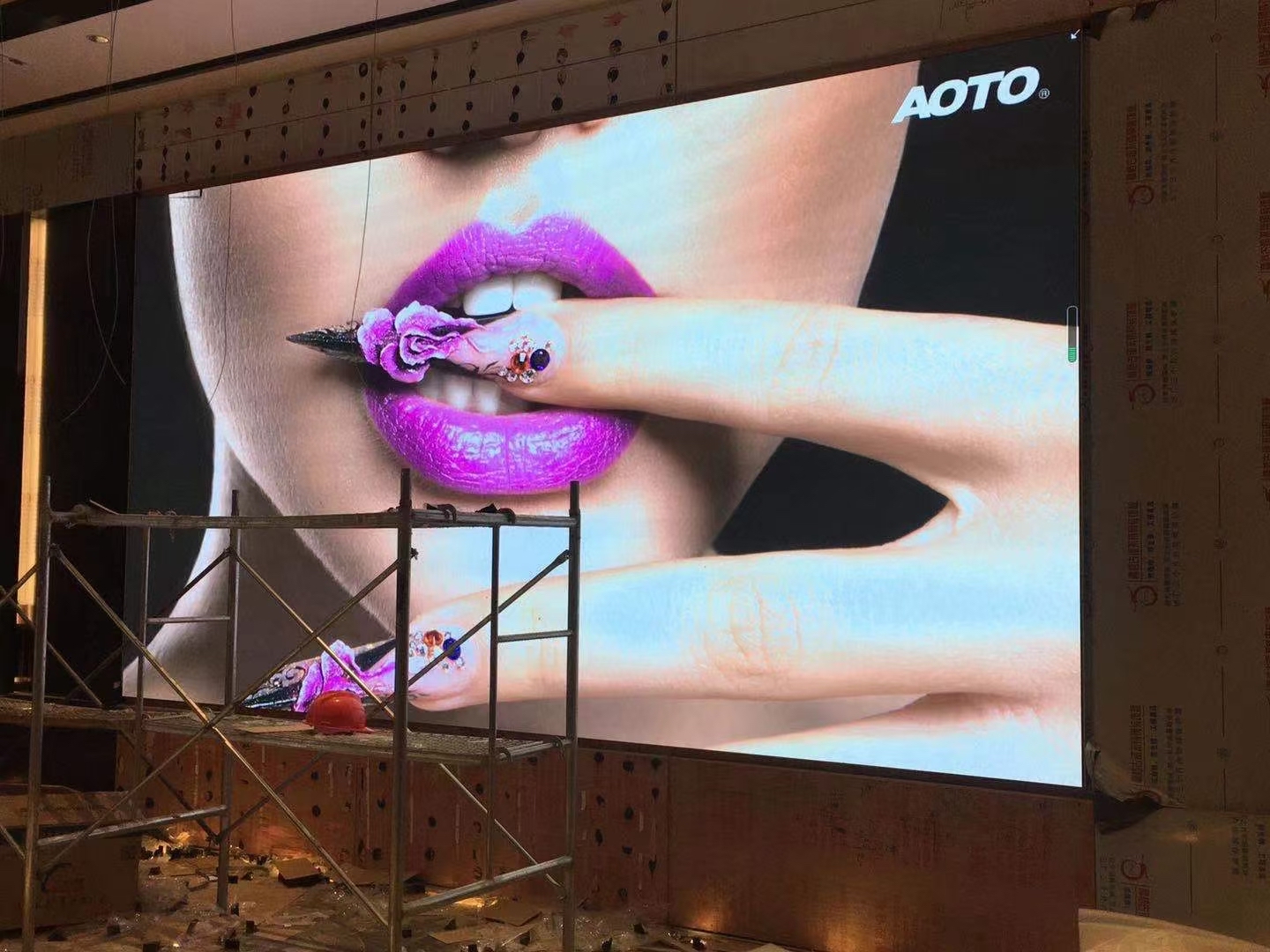
A trade show LED display has one job: stop a stranger mid-aisle and pull them onto the stand. Printed graphics do that in a flat, static way. A bright video wall does it with motion, scale, and a light signature that reads from several booths away. Exhibitors who switch from a printed backdrop to a video wall usually describe the same result, which is more unplanned visitors, more conversations, and more badge scans in the first hour of the show.
The logic is attention economics. On a busy floor every stand is fighting for the same three-second glance. Motion wins that glance, colour holds it, and size makes the stand feel important. A wall of light also works early, because it is visible before a visitor reaches the aisle, so the booth enters the shortlist before anyone has heard the pitch.
A trade show screen is a rental problem before it is a technology problem. Booths go up and come down in days, freight space is limited, and rigging is governed by venue and labour rules. That is why the rental panel format dominates this market, and why weight, assembly speed, and road case size matter as much as brightness or pixel pitch.
The commercial payback is measured in conversations rather than impressions. A wall that runs a clear product story keeps people on the stand longer, and longer visits produce more qualified leads. That is why the screen should be briefed with the sales goal in mind, not treated as a decoration added after the booth design is fixed.
This guide covers the decisions that actually shape a show stand: pixel pitch, brightness under hall lighting, hanging versus floor mounting, content loops, and the logistics that decide whether the wall is live in four hours or struggling at ten.
Booths are small and visitors stand close, so trade show screens need a finer pitch than a stadium or a highway billboard. A stand that is 4 by 3 metres is usually viewed from 2 to 4 metres, which puts the practical range between P1.9 and P2.6. When a product launch invites people to lean in and read fine text, P1.2 to P1.5 removes visible pixel structure at arm's length.
Brightness is a balance rather than a race. Exhibition halls are lit to roughly 500 to 800 lux, so a wall running 800 to 1500 nits reads clearly without washing out neighbouring graphics or throwing glare onto the stand next door. Dimmable control matters, because the same screen must look calm during a quiet afternoon and punchy during a press moment.
Refresh rate is the specification most exhibitors overlook. Phone cameras and broadcast crews shoot the stand constantly, and a low refresh rate produces dark banding across the video. An indoor screen running above 3840 Hz stays clean on camera, which protects every clip that ends up on social media and every frame the press office publishes.
Contrast and cabinet finish shape the first impression too. A matte black cabinet with tight seams reads as a single canvas, while shiny frames and visible joints break the effect. For a stand that must look premium at one metre, the build quality of the cabinet is as visible as the image itself.
Think about layout as well. A ribbon above the booth and a feature wall at the back serve different jobs, and the two should not compete. The ribbon catches traffic from a distance, while the wall does the detailed selling once a visitor has already stopped.
| Booth Size | Viewing Distance | Suggested Pitch | Typical Use |
|---|---|---|---|
| 3 x 2 m | 1 - 3 m | P1.2 - P1.9 | Product launch close-up, text-heavy loop |
| 4 x 3 m | 2 - 4 m | P1.9 - P2.6 | Standard stand feature wall |
| 6 x 3 m | 3 - 6 m | P2.6 - P3.9 | Large island booth facing the aisle |
| 8 x 4 m | 5 - 10 m | P3.9 - P4.8 | Double-deck or open corner stand |
| 12 x 4 m | 8 - 15 m | P4.8 - P6.6 | Hall-spanning banner above the booth |
Most exhibitors hang the wall from the hall ceiling or stand it on a ground-supported truss. Hanging saves floor space and lifts the screen above head height, but it depends on rigging points the venue controls and on labour rules that decide who may touch the motor. Ground support is slower to build but removes the dependency on the venue ceiling and is often the safer choice for a first show.
Weight drives both choices. A rental panel measuring 500 by 500 mm weighs about 6.5 kg, so a 6 by 3 metre wall needs twelve columns by six rows, which is seventy-two panels and roughly 470 kg of screen before truss, motors, and cable are added. That figure has to sit inside the stand's structural allowance and the venue's point-load limits.
Power is planned the same way. A mid-size wall draws a modest load, but the distribution board, cabling, and spare capacity are what keep the stand compliant. Three-phase supply is common on large islands, while a single-phase circuit usually covers a feature wall. Book the power order with the venue early, because last-minute electrical requests carry premium pricing and delay.
Build schedule is the real constraint. Most venues allow a tight move-in window, so panels should arrive pre-tested and labelled by position. Fire-retardant certification, cable management trays, and at least two spare panels belong in the road case, because a single failed module on the day of the show is the most expensive fault an exhibitor can have.
Never leave rigging to guesswork. Ask the rental supplier for cabinet weights, truss loading figures, and a labelled panel map, then hand those documents to the venue before the build begins. A clean paper trail turns a stressful move-in into a routine one.
| Item | Deadline | Owner | Notes |
|---|---|---|---|
| Rigging plan and point loads | 6 - 8 weeks out | Exhibitor and venue | Approve motor and truss layout |
| Panel pre-test and labelling | 2 weeks out | Rental supplier | Test every module before packing |
| Power order and distro | 4 - 6 weeks out | Exhibitor | Confirm phase and amperage |
| Content master and backup | 1 week out | Marketing team | Load on two laptops plus USB drive |
| Spare panels and tools | Show day | Rental supplier | Keep at least two spares in the case |
Show content works in short loops. A fifteen to thirty second sequence that repeats is easier to absorb than a long film, and it should be legible without sound because the floor is loud. Captions and large type carry the message when a visitor only catches one pass while walking past.
The screen should also do something the stand staff cannot. A live camera feed of a product demonstration, a countdown to a launch time, or a QR code that books a meeting turns the wall from decoration into a lead tool. Keeping the QR code on screen for several seconds at a time lets people scan without stopping.
Operating the wall on site should be simple. A pre-programmed playlist with an auto-start and a single spare laptop removes the risk of a lost player or a forgotten password. Staff need a one-page run sheet that covers start-up, brightness for the daytime crowd, and the loop that runs during the quiet final hour.
Plan the breakdown as carefully as the build. Panels should be packed in the reverse order of assembly, with the labelled positions preserved, so the next show is faster. A wall that comes down cleanly is more likely to be booked again, and the crew that knows the layout works with fewer mistakes.
Finally, measure what the screen produced. Counting scans, meetings booked, and dwell time gives the marketing team a number to compare against the same show last year, and that number is what justifies the video wall on next year's budget.
Asia Vision Technology builds rental LED panels in the 500 by 500 mm format that exhibition crews prefer, with quick-lock frames, front and rear service access, and cabinet weights near 6.5 kg that keep truss loads manageable. Our indoor panels run above 3840 Hz for camera-clean capture and cover the pitch range from P1.2 to P6.6 that booth work demands.
We hold CE, FCC, and RoHS certification for export markets, ship production orders in 15 to 20 working days, and back every display with a 3-year standard warranty. For touring and show work we can pre-label panels and supply spare modules in the road case so a single failed cabinet never costs you a show.
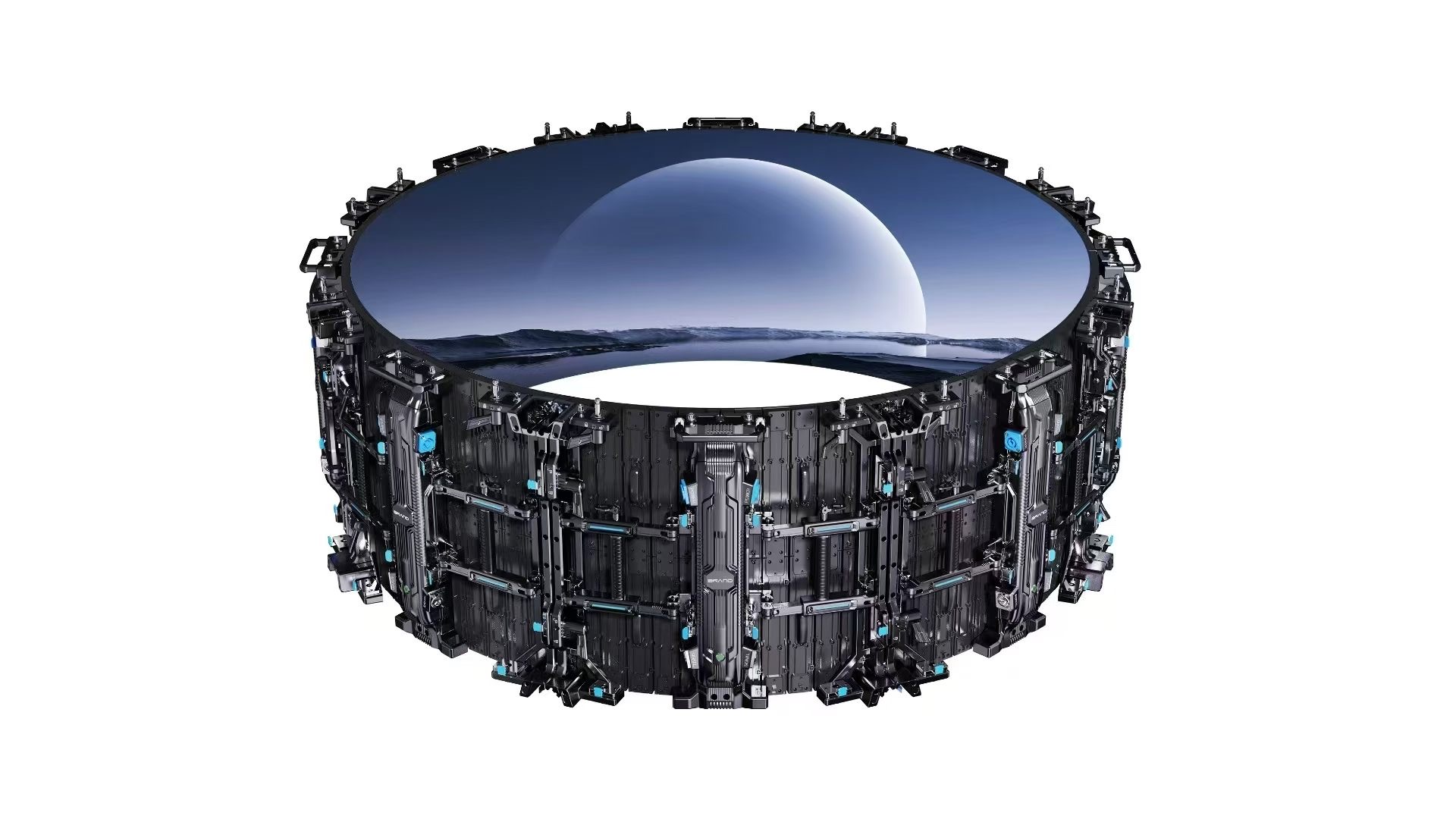
Product documentation is supplied per series; the LED display series overview lists cabinet configurations, weights and packing data for import planning.