By David
What is an led display project handover? An led display project handover is the stage where the screen is commissioned, documented, and accepted, so the owner receives it complete and ready to use. A good handover closes the project cleanly. This 2026 guide explains what it involves.
The handover is where the project ends and the screen's life begins. A screen that is installed but not commissioned, documented, or explained is not finished. The handover is the stage that makes the screen usable and the project complete.
This led display project handover guide is written for buyers and project managers. It covers the commissioning, the documentation, the training, and the acceptance that complete a handover.
Commissioning includes the calibration, the testing, and the settings. The screen is calibrated for colour and brightness, tested for function, and configured for the content. Commissioning turns an installed screen into a working one.
| Step | What Happens | Output |
|---|---|---|
| Calibration | Colour and brightness matched | Uniform wall |
| Function test | All systems checked | Working screen |
| Configuration | Processor and content set | Ready-to-use screen |
| Acceptance | Owner confirms the result | Signed off |
The handover pack includes the drawings, the wiring diagram, the settings, the calibration data, the inspection report, and the compliance certificates. The documentation lets the owner maintain and support the screen after the project.
Acceptance is where the owner confirms the screen meets the specification. It follows the acceptance criteria in the contract, such as the pixel threshold and the colour standard. Acceptance closes the project and triggers the final payment.
A punch list of minor items allows the handover to proceed while the small issues are fixed. The list records what remains, and the project closes when the list is cleared. A punch list prevents a small item from blocking the whole handover.
The handover includes training for the operators. They learn to run the screen, schedule the content, and report a fault. Training at the handover ensures the owner can use the screen from day one, rather than learning by trial.
The training should cover the daily operation and the first-level fault-finding. A short session at the handover prevents the common problems that appear when nobody knows how the screen works. The training is part of the project.
A punch list records the minor items that remain, such as a label to add or a setting to adjust. It does not include the major defects, which must be fixed before acceptance. The punch list lets the handover proceed while the small items are closed.
The list should have an owner and a date for each item. A punch list without dates lingers. The project closes when the list is cleared, and the final payment follows.
The final payment is often tied to the handover and the acceptance. The owner pays when the screen is commissioned, documented, and accepted. This ties the money to the completion, which protects the owner.
The payment terms should state the link. A final payment tied to the acceptance gives the owner the leverage to ensure the handover is complete. Without the link, the handover may be rushed.
Record the handover with a signed acceptance and the handover pack. The record shows the screen was delivered and accepted, and it supports the warranty and the maintenance. A documented handover is the project's closing document.
Keep the handover pack with the project file. When a fault appears or a question arises, the pack holds the drawings, the settings, and the warranty. The pack is the screen's manual for its whole life.
The common problems are an incomplete handover pack, no training, and no acceptance. Others include a punch list without dates and a final payment not tied to the acceptance. Each leaves the project open and the owner unsupported.
The remedy is a complete handover: commissioning, documentation, training, and acceptance, with the final payment tied to it. The handover is the stage that makes the project real.
The handover is the moment the project becomes the owner's. The supplier's job ends, and the owner's begins. A complete handover is what makes that transition smooth, so the owner is not left with a screen and no knowledge of it.
Hold a handover meeting with the supplier, the installer, and the owner's team. Walk through the screen, the documentation, and the operation. The meeting is where the questions are answered and the responsibilities pass to the owner.
Record who attended and what was covered. The record shows the handover happened and what was explained. A documented meeting is the project's closing event.
Run an acceptance test before signing off. Test the screen at the production settings, with the real content, and against the acceptance criteria. The test confirms the screen works as the specification requires.
The test should cover the brightness, the colour, the function, and the source switching. A screen that passes the acceptance test is proven, not assumed. The test is the evidence behind the sign-off.
Keep the commissioning records with the handover pack. The records show the screen was calibrated and tested, which supports the warranty. A record of the commissioning is the screen's birth certificate.
The records also set the baseline. When the screen is serviced later, the baseline shows whether the performance has drifted. The commissioning record is the reference for the screen's life.
The warranty should start at the handover, not at the shipment. The screen is not in use until the handover, so the warranty should begin then. A warranty that started at shipment loses the installation time.
Confirm the start date in the contract, so the owner gets the full period. The handover is the natural point for the warranty to begin, because the screen is now in the owner's use.
Use a checklist to ensure nothing is missed: the commissioning, the documentation, the training, and the acceptance. The checklist turns the handover into a defined process rather than a vague step. A checklist also gives the owner confidence that the handover is complete.
The checklist should list each item and its status. An item that is open goes on the punch list. The checklist is the record of what was done and what remains.
The owner signs off the handover when the acceptance criteria are met. The sign-off is the formal end of the project. It should be documented, with the date and the names, so the record is clear.
The sign-off might be delayed for the punch list items, with the major items accepted and the minor ones outstanding. This allows the project to proceed while the small items are closed, rather than holding everything.
The handover is also where the maintenance begins. The owner should have a maintenance plan by the handover, so the screen is serviced from the start. The handover pack includes the maintenance schedule and the contacts.
The maintenance plan and the handover are connected. A screen that is handed over without a maintenance plan starts its life without support. The handover should include the plan, so the screen is cared for from day one.
| Handover Item | Deliverable | Status |
|---|---|---|
| Commissioning | Calibration and test record | |
| Documentation | Drawings and settings | |
| Training | Operator session | |
| Acceptance | Signed sign-off |
The handover is a chance to review the project. What went well, and what would be done differently? The lessons inform the next project, making each one smoother. A short review at the handover captures the learning.
The review also closes the relationship with the supplier for this project and sets up the next. A project that ends well makes the next order easier. The handover is the end of the project and the start of the relationship.
The led display project handover commissions the screen, documents it, trains the operators, and accepts the result. A complete handover leaves the owner with a working screen, the records to support it, and the skills to run it.
Buyers who insist on a complete handover, with the final payment tied to it, get a screen that is truly finished. The handover is the difference between an installation and a working asset.
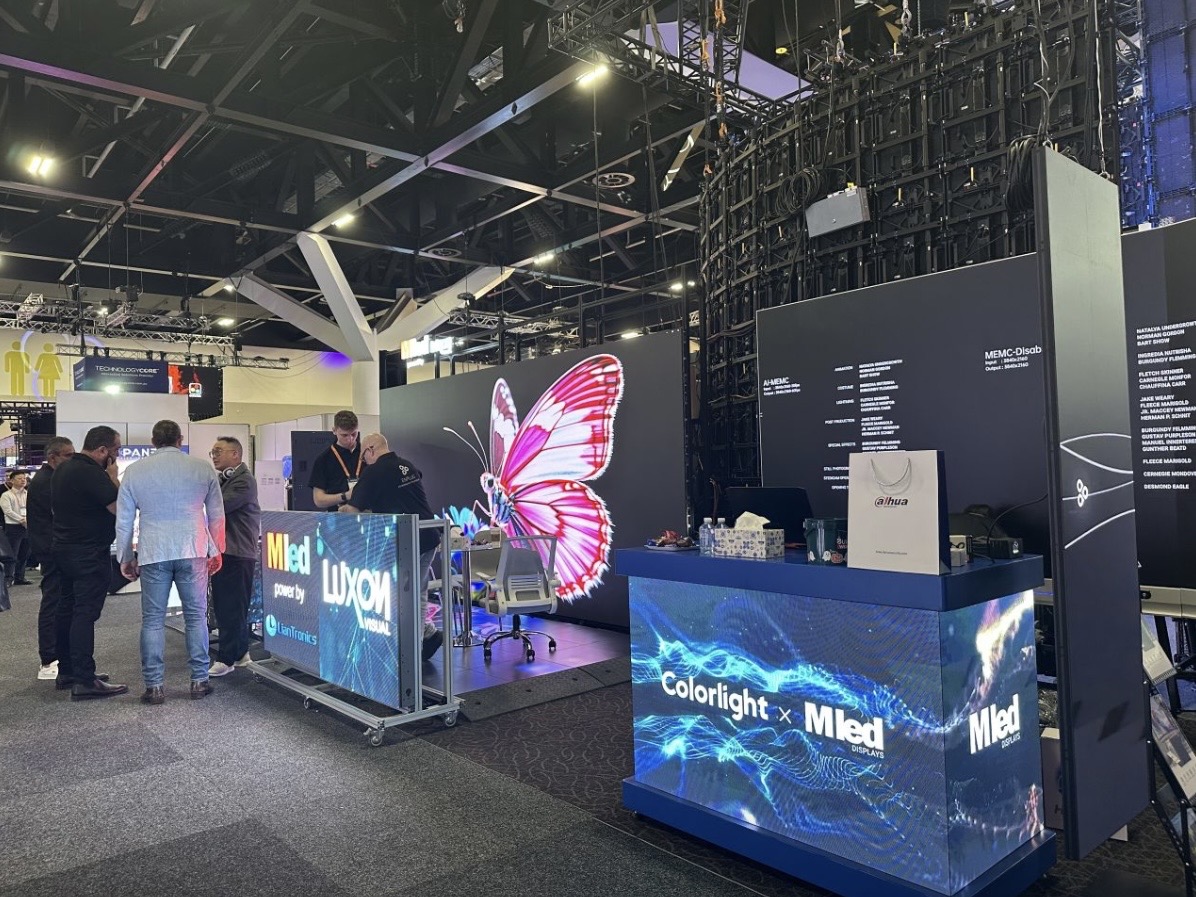
Ask us about the commissioning, documentation, and training we provide at LED display project handover.
Request Handover PackChat on WhatsApp