By David
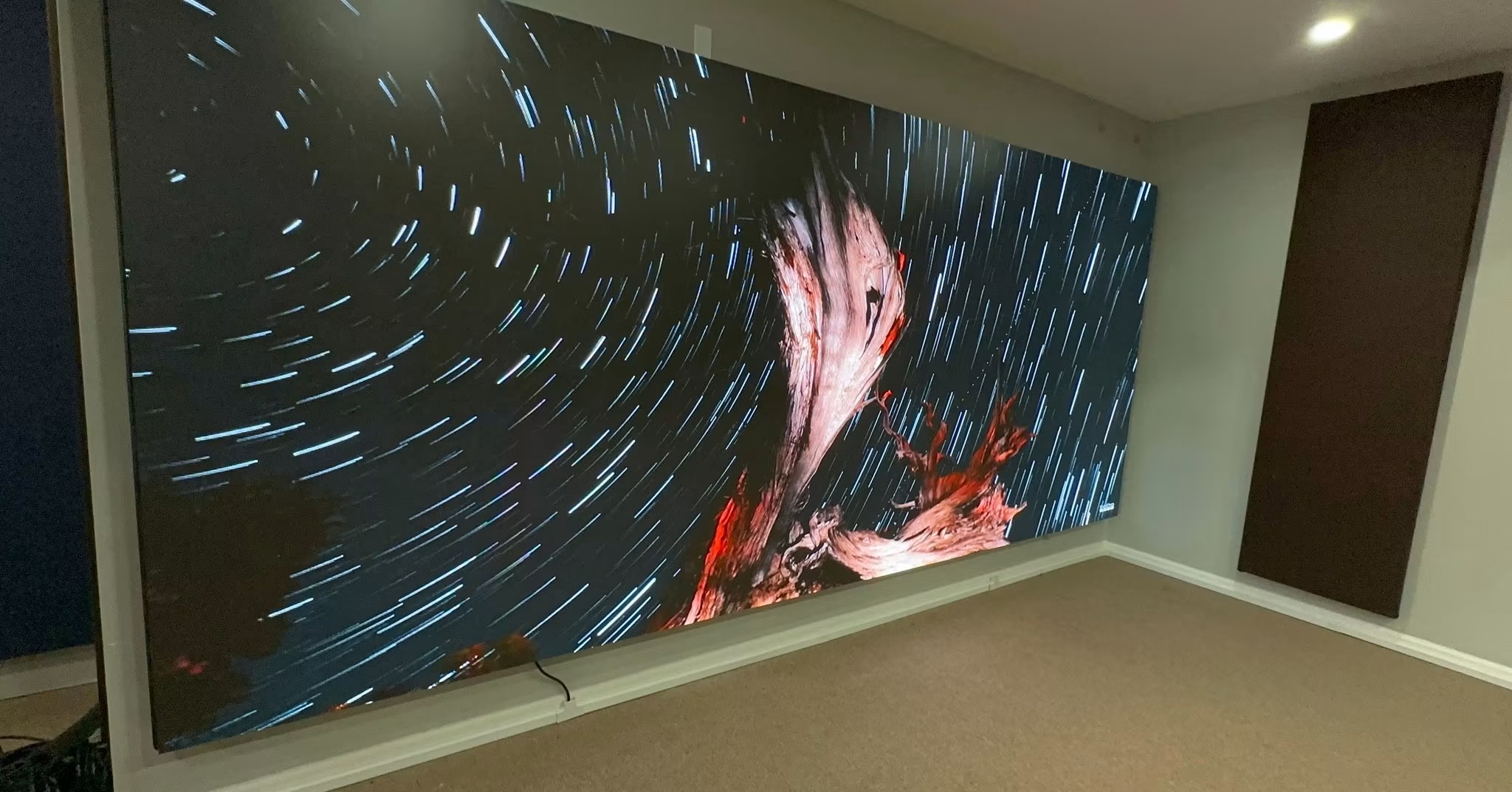
What is a fine pitch LED display? A fine pitch LED display uses very small pixels, usually below 2.5 millimetres, so it can be viewed from close up without the pixels being visible. Fine pitch screens are used indoors for control rooms, boardrooms, studios, and premium retail, where the audience sits close and expects a smooth image. This 2026 guide explains how to choose the right pitch.
Fine pitch LED has replaced many traditional video wall technologies because it has no visible seams after calibration, runs for years, and can be built to almost any size. But the range of pitches is wide, and choosing too fine wastes money while choosing too coarse leaves the pixels visible. The choice should follow the viewing distance.
This guide is written for buyers specifying indoor fine pitch screens. It covers the relationship between pitch and viewing distance, the applications that suit fine pitch, and the specifications that matter beyond the pixel pitch itself.
The pixel pitch is the distance between the centres of two adjacent pixels, measured in millimetres. The smaller the pitch, the closer the audience can sit before the individual pixels become visible. A useful rule is one millimetre of pitch for every one metre of minimum viewing distance.
| Pixel Pitch | Minimum Viewing Distance | Typical Application |
|---|---|---|
| P0.9 - P1.25 | 1.5-2.5 m | Boardrooms, close control desks |
| P1.5 - P1.9 | 2.5-4 m | Control rooms, studios |
| P2.0 - P2.5 | 4-6 m | Retail, lobbies, medium rooms |
| P2.6 - P3.9 | 6-10 m | Large lobbies, auditorium fronts |
| P4+ | 10 m+ | Not usually fine pitch |
Find the closest viewer the screen must serve and choose the pitch for that distance. Designing for the average distance leaves the front seats seeing pixels; designing for the closest seat costs more but satisfies everyone. The closest significant viewer is the number that decides the pitch.
Fine pitch LED competes with LCD video walls and projection. Its advantages are the absence of visible seams, very high brightness, long life, and the ability to fit almost any size or shape. Its disadvantages are cost and, at the finest pitches, the density of electronics that must be cooled and serviced.
The case for fine pitch is strongest where a seamless image and premium appearance matter. Where cost is the priority and seams are acceptable, an LCD wall may be cheaper. Where the room is bright and the screen must run for years, fine pitch LED usually wins.
A fine pitch screen at a given size has a high resolution, which suits detailed content such as dashboards, maps, and data. Plan the wall resolution to match the content, and match the content to the resolution. A very high-resolution wall showing low-resolution content wastes its capability, and a wall too coarse for the content looks soft.
Check that the processing can handle the full resolution at the required frame rate. A fine pitch wall built to a high pixel count needs a processor with enough bandwidth, and a source that can deliver the content at that resolution. The processing chain is as important as the screen itself.
Test the full chain before acceptance: the source, the processor, and the screen together. A wall that works from a test pattern but stutters on real content has a processing bottleneck, and it is better to find it at commissioning than during a live event. Run the actual content at the actual resolution and frame rate the project will use.
Fine pitch screens are used indoors, where the lighting is controlled. The screen brightness should match the room, and it should dim smoothly at low levels without colour shift. In a dim control room, a screen that cannot dim smoothly looks harsh and causes eye strain for operators.
In bright lobbies or boardrooms with windows, the screen needs more brightness to stay readable in daylight. Balance the brightness against the room so the screen looks right through the day, and use auto-dimming to follow the changing light where the room has windows.
Fine pitch screens live or die on uniformity. Because the audience sits close, any difference in colour or brightness between modules is visible as a patch. Point-by-point calibration brings every module to a common standard, and the calibration must be repeatable after a module swap.
Ask how the factory calibrates and how a field replacement is re-calibrated. The finer the pitch, the more important this is, because the smaller the pixels, the more sensitive the eye is to differences between them. A fine pitch wall without a solid calibration process will look uneven.
Dense fine pitch modules pack more electronics into the same space, which means more heat. Cooling must be designed for the density, not borrowed from a coarser screen. In a sealed, warm room, a fine pitch wall without adequate cooling will run hot and fail early.
Service access matters just as much. A fine pitch module is more delicate and more expensive than a coarse one, so it should be serviceable without dismantling the wall. Front or rear access, matched to the room, keeps the wall maintainable and the downtime short.
The right fine pitch depends on the room's size and purpose. A boardroom has viewers a few metres away and needs the finest pitch. A large lobby has viewers further back and can use a coarser pitch. Matching the pitch to the room keeps the cost proportionate to what the audience actually sees.
| Room | Closest Viewer | Suggested Pitch |
|---|---|---|
| Boardroom | 2-3 m | P0.9 - P1.5 |
| Control room | 3-5 m | P1.5 - P1.9 |
| Retail flagship | 2-4 m | P1.5 - P2.0 |
| Hotel lobby | 4-8 m | P2.0 - P2.5 |
| Auditorium front | 6-10 m | P2.6 - P3.9 |
A common mistake is to choose the finest pitch for prestige rather than for the viewing distance. A P0.9 wall in a lobby where nobody sits within five metres wastes a great deal of money for detail the audience cannot resolve. Spend the budget where the viewers actually are.
The first mistake is choosing a pitch finer than the viewing distance needs. The second is ignoring the processing, so the wall's resolution cannot be driven at the required frame rate. The third is skipping the calibration, which leaves a fine pitch wall looking patchy exactly where the close audience notices.
A fourth mistake is under-cooling the dense electronics, leading to early failures. A fifth is choosing a wall that cannot be serviced from the room, so every repair is a major operation. Each of these is easy to avoid at the specification stage and expensive to fix after installation. A sixth is choosing a wall with no colour calibration process, which leaves patches on a screen the close audience studies every day.
Write the fine pitch requirement with the pitch, the viewing distance it serves, the resolution, the brightness for the room, the calibration process, the cooling, and the service access. Require a camera test where the content will be filmed, and confirm the processor can handle the resolution.
Fine pitch LED selection is mostly about matching the pitch to the viewer and the screen to the room. Buyers who choose the pitch from the closest seat, plan the processing and cooling, and insist on calibration get a screen that looks seamless and premium from the exact position where the audience sits. Relying on the finest pitch alone, without the supporting work, usually spends the budget without delivering the result.
Tell us your viewing distance and content, and we will recommend the pitch, calibration, and processing you need.
Request Fine Pitch SpecChat on WhatsApp